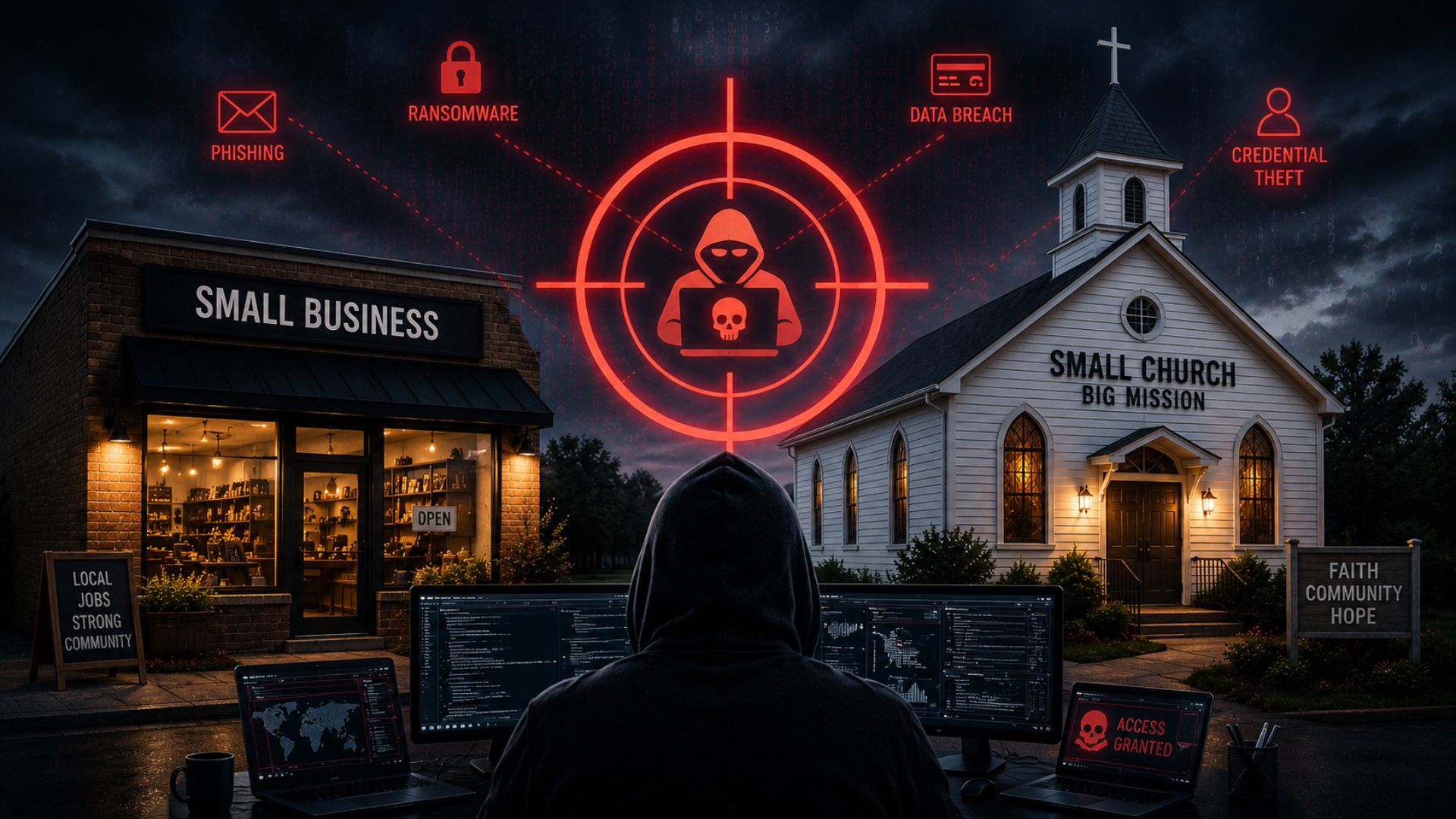
Microsoft is warning business owners about a new type of phishing scam (where cyber criminals pose as a trusted source to trick you into giving away login info), which uses popular cloud services like SharePoint and OneDrive.
Although these platforms are usually safe, scammers have figured out how to trick privacy settings to get past security checks.
The scammers hack your cloud storage by stealing your login details or buying them on the black market.
Once they get inside, they upload a file that is designed to look authentic – like a fake Microsoft 365 login page. They set the file to “view-only” or limit access to specific people, such as you and your team.
Opening these files or following any links inside the emails could cause serious damage to your business. Scammers can use your information to access your systems, or they can install malware (malicious software) that lets them cause disruption and steal information.
Recovering from these kinds of attacks can be expensive and time-consuming – not to mention the damage it could do to your business’s reputation.
Make sure your employees are aware of this new threat and know to be cautious when opening emails, even if they appear to come from a trusted service.
Before opening any shared files, double-check the sender’s identity. If something feels off, contact the sender directly to verify it.
Make sure you use multi-factor authentication (MFA) across all your team’s devices. This adds an extra layer of security by requiring a second piece of information (like a code sent to your phone) along with your password.
Also, keep your security software up to date so that it’s always ready to block the latest types of attack.
Would you like our help protecting your business with added security, training, and monitoring? Get in touch.